

Bogen paging and intercom for schools
School Intercom and Paging Systems
Reach every classroom, keep bells on time, and make sure everyone hears the same message in an emergency. We help K-12 schools put in Bogen systems that do all of that, and we keep them running.
Sound familiar?
An old system makes every day harder
Announcements get missed
Dead zones, poor sound, and failing speakers make it easy to miss what the office said.
Bells drift off schedule
Someone ends up managing bells and tones by hand instead of the system running on its own.
Emergencies cause confusion
When seconds matter, nobody should wonder whether they heard the message right.
Teachers can’t reach the office
Without working classroom call-in, a teacher has to leave the room or send a student.
What your school gets
Clear communication in every room
Bogen Nyquist systems tie paging, intercom, bells, and music together, so your staff run one system instead of several.
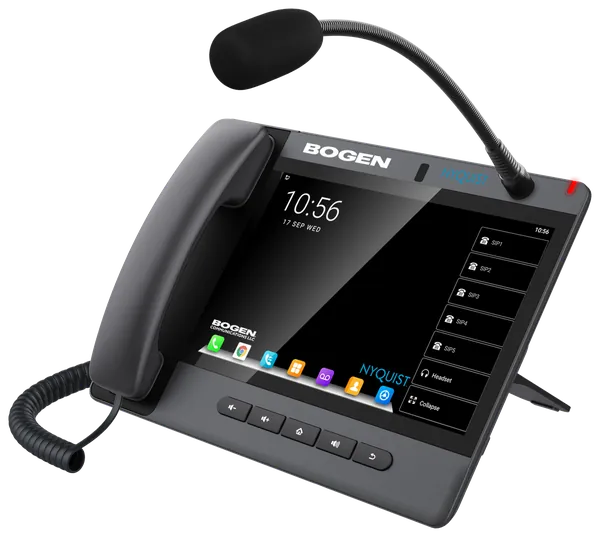
Two-way classroom intercom
Classroom call switches let teachers call the office, and the office can answer and talk to that room, a zone, or every room.
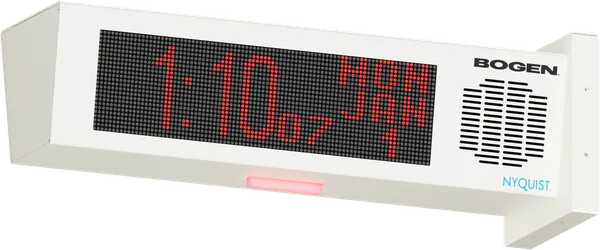
Bells that run on their own
Bell schedules and tones run on time every day, without your staff managing them by hand.
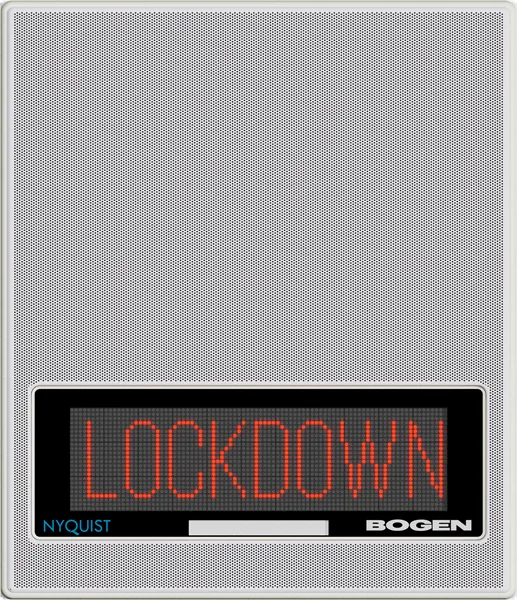
Clear emergency announcements
Send emergency alerts and lockdown announcements to every speaker at once.
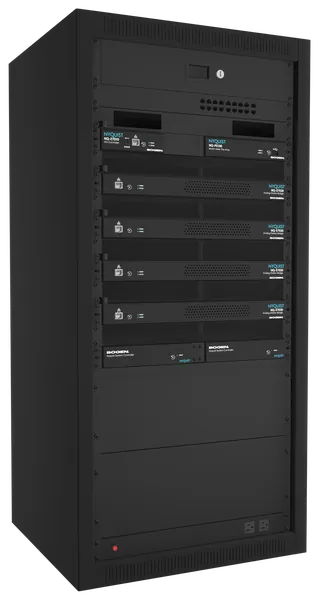
Announcements and event music
The same speakers carry morning announcements and music for assemblies, pep rallies, and games.
Upgrade without starting over
Keep what still works
Many schools still have working speakers and wiring from an older system. A Bogen Nyquist IP system, such as the E7000 or C4000, can often reuse them, which means less demolition, less disruption in classrooms, and less cost than a full replacement.
- Reuse analog speakers and 25V wiring
- Keep your classroom call switches
- Add IP speakers, paging stations, and VoIP phones
- Improve bell schedules and zone paging
How it works
A simple path to a better system
- 1
Assess
We look at your current speakers, wiring, intercom, and bell system, and at what your school needs.
- 2
Design
We recommend the right Bogen system for your buildings and budget, reusing what still works.
- 3
Install and support
We install your system and keep it running, so every message is heard.
Questions schools ask
Common questions
Can the bell system run through the intercom?
Yes. A Bogen system can play bell schedules and tones through the same speakers you use for paging and announcements.
Do we have to replace every speaker?
Often not. We check what you have first, and an IP upgrade can usually reuse working analog speakers and wiring.
Can teachers call the office from the classroom?
Yes. Classroom call switches let a teacher call the office, and the office can answer and talk to that room.
Do you work with schools outside Springfield?
Yes. We are based in Springfield and work with schools across Missouri, plus Arkansas, Kansas, and Oklahoma.
Planning a paging or intercom upgrade?
Schedule a Bogen system assessment. We will look at what you have and recommend a practical upgrade path.
Schedule a Bogen System Assessment